Repair a USB Flash Drive: What You Can Fix Yourself and When Replacing Is Cheaper
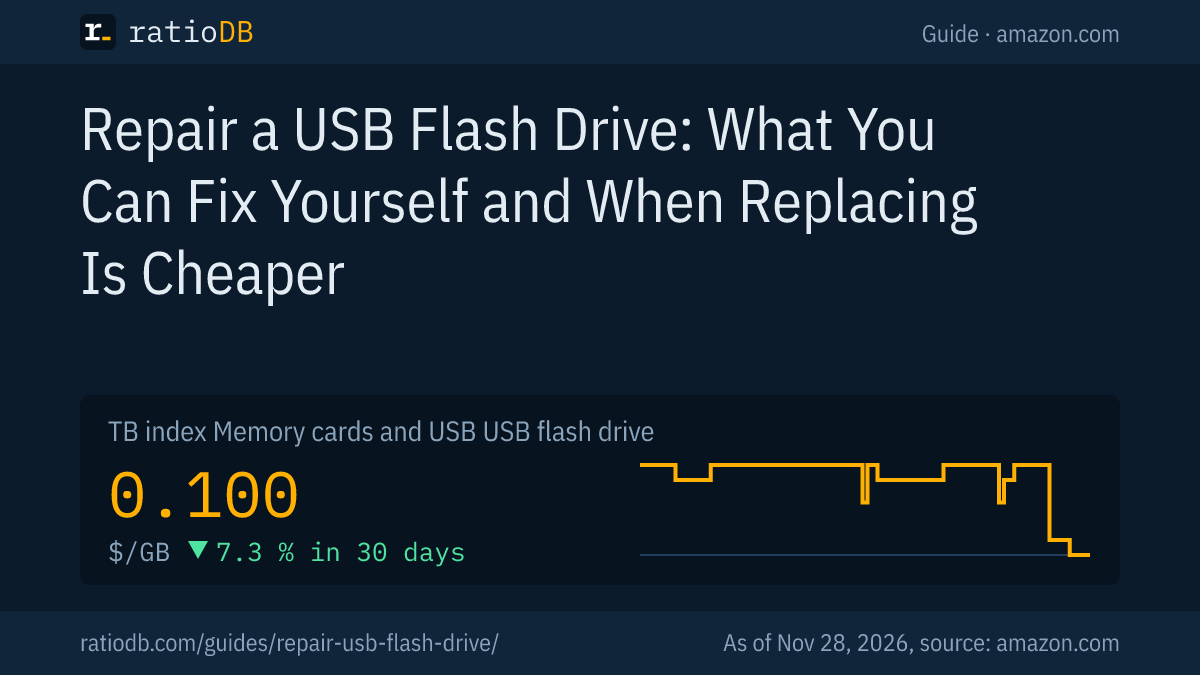
You repair a USB flash drive in this order: test another port and another computer, check Disk Management, assign a drive letter, run error checking or chkdsk. If the hardware is broken, no software helps. A new USB flash drive currently costs $0.100 per GB on amazon.com according to the ratioDB index (as of Nov 28, 2026 at 9:18 AM UTC).
Important data should be backed up before any repair attempt, as long as the drive is still readable. This guide shows the steps that work without extra software, names the limits and works out what replacing costs. ratioDB does not repair drives, we summarize publicly documented steps and compare real prices.
What do I check first when the USB flash drive is not detected?
First test another USB port and another computer. Plug the drive directly into a port on the device and avoid USB hubs, then look in Disk Management.
If the drive is detected on another port, the first port is the problem. If no device detects it, the hardware is most likely failing.
More on detection problems is in the guide USB drive not detected.
How do I check Disk Management?
Right-click the Start button and open Disk Management. According to Microsoft's community answer, find the drive by size and type there. If it appears, you can initialize it, format it or assign a drive letter by right-clicking it.
If the drive shows RAW or unallocated, it is unformatted or formatted incorrectly, according to the German magazine PC-WELT. Formatting erases all data on the drive. How to do it properly is covered in the guide Formatting a USB drive.
How do I repair file system errors?
If the drive is listed but you cannot reach the files, let Windows check the file system. In File Explorer: right-click the drive, Properties, Tools, Error checking, Check, then scan and repair the drive.
Alternatively use the command prompt with chkdsk E: /f /r, replacing E: with the drive letter of your stick. Windows then scans the drive for errors and tries to fix them.
Note CleverFiles' warning: chkdsk can modify the file system and make later data recovery harder. If important files are on the drive, first create a full image or have the data recovered, see the guide Data recovery.
When is the USB flash drive beyond saving?
If no computer shows the drive, not even in Disk Management, the hardware is usually defective. EaseUS names a broken solder joint or a defective controller as causes. Then only replacement or professional data recovery remains.
If a drive fails on every device, software time is rarely worth it. What a new drive costs is shown in the next section.
What does a new USB flash drive cost per GB?
USB flash drives currently cost $0.100 per GB on amazon.com according to the ratioDB index (as of Nov 28, 2026 at 9:18 AM UTC). The cheapest new offer per GB from a known brand is the PNY Attaché Gen 1 256 GB with 256 GB for $25.49, which is $0.100 per GB.
The index is the median of the 10 cheapest new USB flash drives of all brands per GB. The table shows the cheapest new drive of a known brand per size. If a size is missing, there was no such offer at the data date.
Cheapest USB flash drive from known brands per size on amazon.com, as of Nov 28, 2026 at 9:18 AM UTC
| Capacity | Cheapest offer | Price | Price per GB |
|---|---|---|---|
| 64 GB | Lexar E31 64 GB | $16.99 | $0.265 |
| 128 GB | SanDisk Ultra Flair 128 GB | $21.99 | $0.172 |
| 256 GB | PNY Attaché Gen 1 256 GB | $25.49 | $0.100 |
Used and refurbished offers are not in the table. The 3 cheapest new USB flash drives per GB:
All offers are under USB flash drives, all types under Memory cards and USB. How drives differ in everyday use is explained in the guide Buying a USB flash drive.
How does ratioDB compare USB flash drives?
ratioDB regularly retrieves the amazon.com prices of all listed USB flash drives and converts them to price per GB, with 1 GB equal to 10^9 bytes. The index is the median of the 10 cheapest new offers of the product type.
For multipacks ratioDB divides by capacity times quantity. Used and refurbished offers are labeled and never count toward the index. All rules are on the methodology page.
Frequently asked questions about repairing a USB flash drive
How do I repair a USB flash drive that is not detected?
First test another port and another computer. Then check in Disk Management whether the drive appears, and assign a drive letter if needed.
Can chkdsk repair a USB flash drive?
It can fix file system errors. CleverFiles warns that chkdsk can make later data recovery harder.
What does RAW mean in Disk Management?
It means the drive is unformatted or formatted incorrectly. Formatting restores it but erases all data.
Can I recover data from a broken USB flash drive?
Only while the drive is still detected. As CleverFiles advises, first create an image and avoid working directly on the unstable drive. With a hardware defect, only data recovery helps.
How do I recognize a hardware defect?
If no device shows the drive and you see cracks or bent contacts, the hardware is affected. EaseUS lists a broken solder joint or a defective controller as causes.
Is repairing worth it or is a new drive better?
With a hardware defect, repair is not worth it. With a software fault, trying only costs time. Back up the data first, because formatting erases it.
Sources
- Microsoft: How do I fix a corrupted USB flash drive, community answer
- CleverFiles: Fix a corrupted flash drive without formatting
- EaseUS: Fix corrupted and unreadable USB flash drive, Repair a damaged USB flash drive
- PC-WELT: Fixing USB problems (German)
- EaseUS: USB drive repair (German)
- ratioDB: amazon.com prices, methodology