External SSD or hard drive slow: causes and what helps
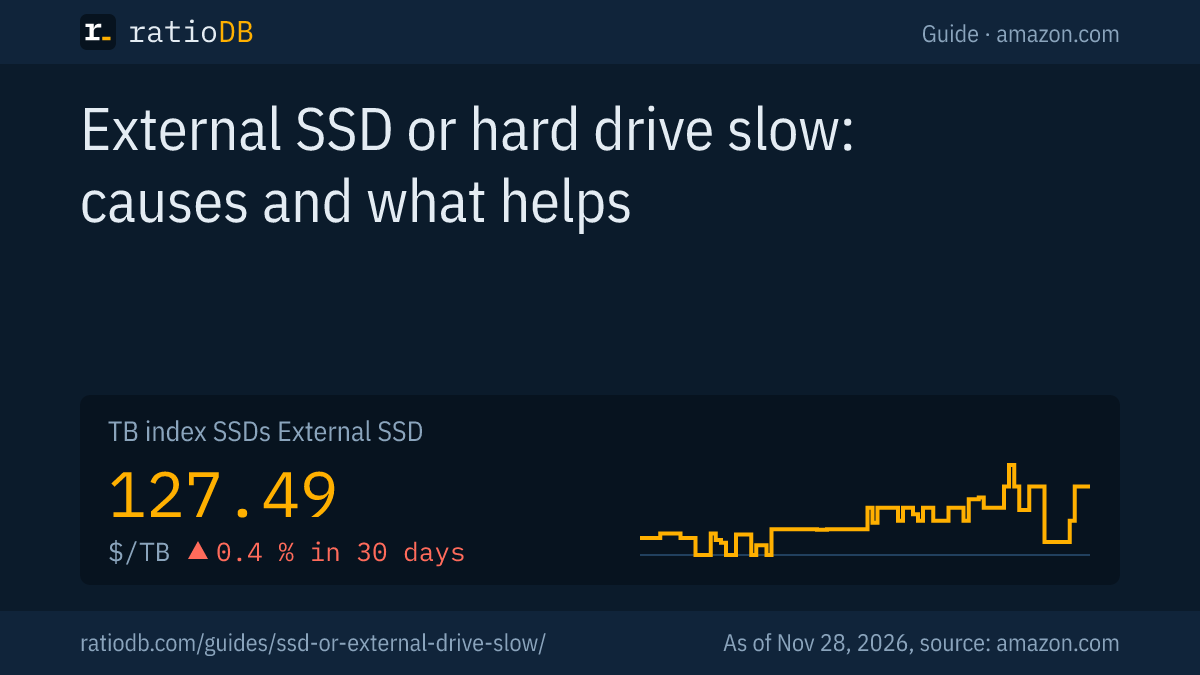
An external SSD gets slow mostly when its fast write cache is used up, when it is nearly full or when it gets too hot. An external hard drive gets slow when the USB port is old, the data is fragmented or the drive has errors. External SSDs currently cost $127.49 per TB on amazon.com according to the ratioDB index (as of Nov 28, 2026 at 1:18 PM UTC).
This guide sorts the causes by drive type and says what you can change and what is down to the hardware. The sources are named in each section. ratioDB does not test drives itself, we compare published information and real prices.
Why does an external SSD slow down?
According to How-To Geek, the three physical causes are an exhausted SLC cache, thermal throttling and a link that is too slow for the drive. Speeds can fall from gigabytes per second to a couple of hundred megabytes per second.
An SSD uses part of its memory as a fast write cache (SLC cache, flash that stores 1 bit per cell). How-To Geek writes that this cache is finite and fills during sustained writes, after which speeds drop sharply, "often plummeting from gigabytes per second down to a couple of hundred megabytes per second". In the same source the slowdown can reach speeds that rival old mechanical hard drives. The page gives no test data for the figures, so read them as a rough order of magnitude.
Heat is the second cause. According to How-To Geek, the controller throttles above a critical temperature, "typically somewhere between seventy and eighty degrees Celsius". The remedy is physical: a heatsink or more airflow, not a software setting. The guide SSD temperature goes deeper.
The third cause is the connection: a PCIe 3.0 x4 link "maxes out around 3,500 megabytes per second" according to How-To Geek. What the USB levels of your port mean is in the guide USB speeds.
Does a nearly full SSD get slower?
Yes. According to How-To Geek, virtually all NVMe SSDs drop in performance as they approach full capacity. The same source calls roughly 20% free space a solid rule of thumb.
How-To Geek explains that the controller has fewer empty blocks and has to reorganize existing data. In another article the same author writes that the SLC cache is frequently dynamic, "meaning it shrinks as your drive fills up with permanent files". The test in the first article used CrystalDiskMark on one drive at 95%, 89% and 72% full and found "a clear correlation between more free space and faster speeds". That is one test of one drive, so it shows the direction and not an exact loss.
Why is an external hard drive slow?
EaseUS names two groups of causes for a slow external hard drive: software problems and damage to the drive itself, such as bad sectors, viruses and fragmentation. EaseUS also lists the USB port as a factor.
EaseUS is a software vendor and sells its own recovery tools on that page, so treat the page as a checklist and not as a measurement. Its fixes include: change the USB 2.0 port to a USB 3.0 port, defragment the drive (Optimize under Properties and Tools in Windows), and check and repair logic errors and bad sectors. EaseUS also notes that converting FAT32 to NTFS "might help increase the transfer speed". If the drive clicks, freezes or disappears from Windows, the page treats that as a warning sign. Copy your data first, then test further. The guide 3-2-1 backup explains how.
What can I do about a slow drive?
Match the fix to the drive type: free up space and cool an SSD, check the USB port and run an error check for a hard drive. If none of that helps, a different drive is often faster than more troubleshooting.
- SSD: keep about 20% free (How-To Geek), give it airflow or a heatsink, and expect lower speeds on long writes once the cache is full.
- Hard drive: use a USB 3.0 port instead of USB 2.0 (EaseUS), run the Windows error check (Properties, Tools, Check) and defragment (EaseUS, Tom's Hardware forum).
- Both: if the drive makes noises or is not detected, back up first, see USB drive not detected.
A Tom's Hardware forum thread from 2018 describes the same Windows tools and adds disabling the Windows Search service while the drive is connected. That is a user guide, not a test.
What do external SSDs cost per TB?
External SSDs currently cost $127.49 per TB on amazon.com according to the ratioDB index (as of Nov 28, 2026 at 1:18 PM UTC). The cheapest new offer per TB from a known brand is the WD My Passport 6 TB at 6 TB for $239.99, that is $40.00 per TB.
The index is the median of the 10 cheapest new external SSDs of all brands per TB. The table shows the cheapest new external SSD from a known brand for each size. If a size is missing, there was no such offer at the data cut-off. ratioDB shows the price per TB, not the speed, so check the maker's specification and the port for the speed.
Cheapest external SSD from known brands by size on amazon.com, as of Nov 28, 2026 at 1:18 PM UTC
| Capacity | Cheapest offer | Price | Price per TB |
|---|---|---|---|
| 1 TB | WD My Passport 1 TB | $99.60 | $99.60 |
| 2 TB | Seagate 2 TB | $119.99 | $60.00 |
| 4 TB | Seagate Expansion 4 TB | $169.99 | $42.50 |
Used and refurbished offers are not in the table. The 3 cheapest new external SSDs per TB:
All offers are under External SSD and External hard drive 2.5 inch, all types under SSDs.
How does ratioDB compare drives?
ratioDB regularly fetches the amazon.com prices of all listed drives and converts them to price per TB, with 1 TB equal to 10^12 bytes. The index is the median of the 10 cheapest new offers of the product type.
ratioDB divides multipacks by capacity times count. Used and refurbished offers are labelled and never count towards the index. All rules are on the Methodology page.
Frequently asked questions about slow SSDs and external drives
Why is my external SSD suddenly slow?
Often the SLC cache is full after a long write. According to How-To Geek, speeds then fall from gigabytes to a couple of hundred megabytes per second. Heat and a nearly full drive have the same effect.
Does a full SSD get slower?
Yes. How-To Geek writes that virtually all NVMe SSDs lose performance near full capacity and calls about 20% free space a rule of thumb.
At what temperature does an SSD throttle?
How-To Geek gives typically 70 to 80 degrees Celsius as the range where the controller throttles. The exact value depends on the drive.
Why is my external hard drive slow on USB?
EaseUS lists an old USB 2.0 port, fragmentation, bad sectors and logic errors. Try a USB 3.0 port first, then the Windows error check.
Is defragmenting an external drive worth it?
EaseUS and a Tom's Hardware forum thread list it as a fix for hard drives. We found no source for SSDs, so we make no recommendation for them.
Sources
- How-To Geek: SLC exhaustion and 2 other physical SSD bottlenecks you can't fix in Windows (14 March 2026)
- How-To Geek: Your nearly full SSD is tanking your performance (28 March 2026)
- How-To Geek: SLC caching tricked me into thinking my SSD was faster than it really is (18 April 2026)
- EaseUS: How to Fix a Slow WD External Hard Drive Without Losing Data
- Tom's Hardware forum: How to fix slow external drive in Windows 10 (2018, user guide)
- ratioDB: amazon.com prices, Methodology