RAID Calculator: Usable Capacity and Price per TB
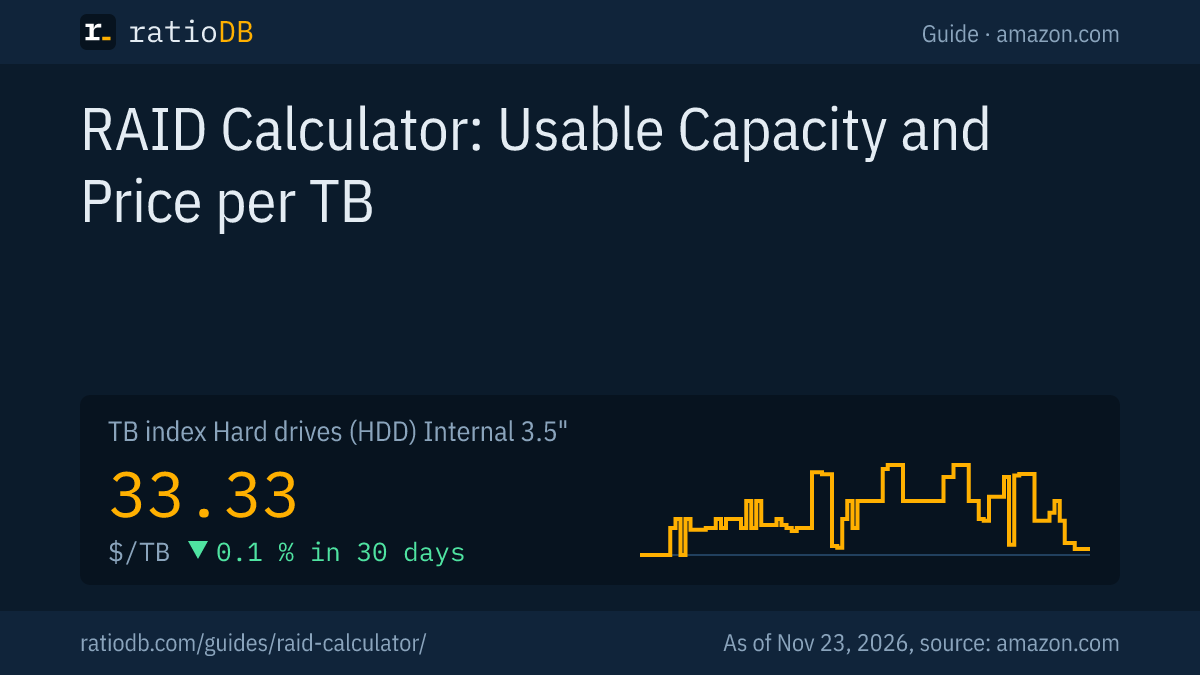
A RAID calculator shows how much storage is left after redundancy (protection through extra data). With n equal drives, RAID 0 keeps all n, RAID 5 keeps n minus 1, RAID 6 keeps n minus 2, RAID 10 keeps half and RAID 1 keeps exactly one drive. The calculator below adds the price per usable TB. On amazon.com the TB index for internal 3.5-inch hard drives currently stands at $33.33 per TB according to ratioDB (as of Nov 23, 2026 at 10:17 AM UTC).
Many people buy drives for a NAS (network attached storage) by price per TB and only find out during setup that part of the capacity goes to protection. This guide does the math up front. It shows the formula for each RAID level, what usable storage really costs and what the calculator deliberately cannot do. ratioDB does not test drives, we compare prices and spec sheets.
How much storage stays usable with RAID?
Enter the RAID level, the number of drives and the drive size. The calculator returns usable capacity, fault tolerance and the price per usable TB. The price per TB is prefilled with the current TB index, and you can replace it with your own offer.
The calculator assumes equal drives. Western Digital points out that such estimates differ from the actual formatted capacity, because that depends on the operating system and the file system. Why Windows shows less than the box says is explained in the guide TB and TiB.
Which formula applies to which RAID level?
RAID 0 uses all drives without protection, RAID 1 mirrors down to one drive of usable space, RAID 5 gives up 1 drive for parity (check data for recovery), RAID 6 gives up 2, RAID 10 mirrors pairs and uses half. JBOD simply adds all drives without protection.
The figures follow Western Digital's overview. The minimum number of drives and the fault tolerance are in the table too.
| RAID level | Minimum drives | Fault tolerance | Usable with n drives |
|---|---|---|---|
| RAID 0 | 2 | none | n |
| RAID 1 | 2 | 1 drive | 1 |
| RAID 5 | 3 | 1 drive | n minus 1 |
| RAID 6 | 4 | 2 drives | n minus 2 |
| RAID 10 | 4 | 1 drive per mirrored pair | n divided by 2 |
| JBOD | 2 | none | n |
Western Digital's worked example with 8 drives of 4 TB each: RAID 0 gives 32 TB, RAID 5 gives 28 TB, RAID 6 gives 24 TB and RAID 10 gives 16 TB. What each level means for speed and safety is in the guide RAID levels explained. For setups without protection see the guide JBOD.
What does usable RAID storage cost per TB?
The price per usable TB is the drives' price per TB multiplied by the number of drives divided by the number of usable drives. In RAID 5 with 4 drives you pay 1.33 times the drive price per TB, in RAID 6 or RAID 10 with 4 drives 2 times.
The formula reads: price per usable TB equals price per TB times n divided by usable drives. The more drives in the array, the smaller the share that goes to parity. With RAID 10 it always stays at half.
| Array | Usable drives | Factor on the price per TB |
|---|---|---|
| RAID 0 with 4 drives | 4 | 1.00 |
| RAID 5 with 4 drives | 3 | 1.33 |
| RAID 5 with 8 drives | 7 | 1.14 |
| RAID 6 with 4 drives | 2 | 2.00 |
| RAID 6 with 8 drives | 6 | 1.33 |
| RAID 10 with 4 or 8 drives | half | 2.00 |
| RAID 1 with 2 drives | 1 | 2.00 |
This is plain arithmetic, not a measurement. With a TB index of $33.33 per TB (as of Nov 23, 2026 at 10:17 AM UTC) you multiply that value by the factor in the table and get roughly what usable storage costs in that array.
Cheapest internal 3.5-inch drive per size on amazon.com, as of Nov 23, 2026 at 10:17 AM UTC
| Capacity | Cheapest offer | Price | Price per TB |
|---|---|---|---|
| 4 TB | WD Se 4 TB | $160.00 | $40.00 |
| 8 TB | Seagate BarraCuda 8 TB | $249.99 | $31.25 |
| 12 TB | Seagate Exos 12 TB | $459.00 | $38.25 |
| 16 TB | Synology 16 TB | $692.94 | $43.31 |
Used and refurbished offers are not included in the table.
Which hard drives suit a RAID?
Western Digital recommends drives with CMR (Conventional Magnetic Recording) for dependable RAID rebuilds. That includes NAS lines such as WD Red Plus and Pro, which are built for continuous operation in arrays.
Why SMR (Shingled Magnetic Recording) can cause trouble in a RAID is covered in the guide CMR or SMR. NAS lines compared are in the guide NAS hard drives. Here are the 3 cheapest new internal 3.5-inch drives per TB:
All offers are under Internal 3.5-inch hard drives, all types under Hard drives.
What can the RAID calculator not do?
It shows capacity and price, but no speed, no backup and no rebuild time. RAID protects against the failure of one drive, not against deletion, ransomware, fire or theft.
That is what StorageReview writes. A copy on a second device is still needed, and the rule for it is in the guide 3-2-1 backup.
The rebuild after a drive failure takes long with big drives. PhotoStructure puts it at up to a week or more for 12 TB drives, depending on hardware. During that time the remaining drives work hard and can fail. StorageReview therefore sees RAID 6 or a second parity as the sensible choice for large arrays of big drives. Louwrentius argues the other side: RAID is not dangerous, because a rebuild reads data sequentially, which hardly strains the drives. Both views belong to the decision: the bigger the drives, the more a second parity is worth.
How does ratioDB compare hard drives?
ratioDB regularly pulls the amazon.com prices of all listed hard drives and converts them to price per TB, with 1 TB equal to 10^12 bytes. The TB index is the median of the 10 cheapest new offers per product type.
ratioDB divides multipacks by capacity times piece count. Used and refurbished offers are labeled and never count toward the index. The calculator above is a calculation aid and stores no input. All rules are on the Methodology page.
Frequently asked questions about the RAID calculator
How much storage is left with 4 drives of 8 TB in RAID 5?
24 TB, because RAID 5 gives up 1 drive for parity. That is 3 times 8 TB. The price per usable TB is 1.33 times the drive price per TB.
Is RAID 5 or RAID 6 better?
It depends on the drive size. RAID 6 survives the loss of 2 drives and costs 1 more drive of capacity. StorageReview calls RAID 6 the sensible default for large arrays of big drives, because the rebuild takes long.
Why does Windows show less storage than the calculator?
Manufacturers count 1 TB as 10^12 bytes, while many operating systems show values in steps of 1,024. File system overhead comes on top. More in the guide TB and TiB.
Does RAID replace a backup?
No. According to StorageReview, RAID protects against the failure of one drive, not against deletion, ransomware, fire or theft. A copy on a second device is still needed.
Can I mix drives of different sizes?
The calculator assumes equal drives. If you want to mix sizes, read your NAS maker's instructions, because the rules differ by system. JBOD adds up all drives but offers no protection.
What does 1 usable TB cost in RAID 10?
Always 2 times the drive price per TB, because every drive is mirrored. With a TB index of $33.33 per TB (as of Nov 23, 2026 at 10:17 AM UTC) you multiply that value by 2.
Sources
- Western Digital: RAID calculator with table of RAID levels, Worked example with 8 drives
- StorageReview: What is RAID
- PhotoStructure: RAID is not a backup
- Louwrentius: Don't be afraid of RAID
- ratioDB: amazon.com prices, Methodology