SD Card for Your Phone: Which microSD Fits and What It Costs
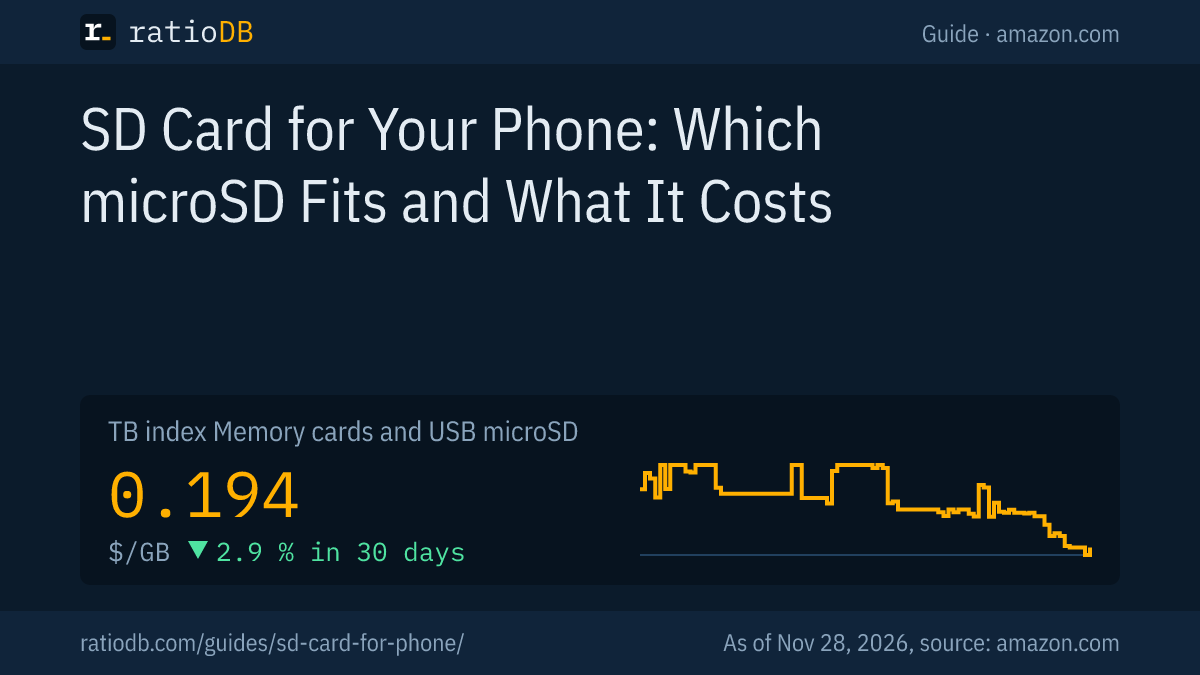
An SD card for your phone is a microSD card, usually microSDXC with 64GB to 1TB. For photos, videos and music, a card with U3 and V30 is enough. If you want to move apps to the card, pick a card with A1 or A2: according to the SD Association, it handles at least 1,500 or 4,000 random reads per second. microSD cards currently cost $0.194 per GB on amazon.com according to the ratioDB index (as of Nov 28, 2026 at 9:18 AM UTC).
Many new phones no longer have a card slot. This guide explains how to find out whether your phone takes a card, which class you need, whether the card works as internal storage and which size makes sense. ratioDB does not test cards, we compare spec sheets and real prices.
Does my phone have a memory card slot?
Your phone's spec sheet lists it under storage or expansion. iPhones have no card slot. Samsung's Galaxy S line has had no slot since the S21 according to Android Authority, while most Galaxy A models still have one according to ecoATM.
On many phones, the card sits in the SIM tray. Sometimes the card and a 2nd SIM share the same spot, and you have to choose one. The spec sheet also lists the largest card the phone officially supports.
If your phone has no slot, a USB-C flash drive or an external SSD helps. More in the guides USB-C flash drive and SSD for iPhone.
Which class does a phone SD card need?
For photos and 4K video you need U3 or V30, which means at least 30 MB/s sustained write according to SanDisk. For apps, the app class counts: A1 requires 1,500 read and 500 write operations per second (IOPS) according to the SD Association, A2 requires 4,000 and 2,000.
One catch with A2: according to the SD Association, the card only reaches its numbers if the phone supports the required features such as Command Queue. Fast cards like SanDisk Extreme and Samsung PRO Plus carry A2 anyway.
| Class | What it guarantees per SD Association and SanDisk | For |
|---|---|---|
| U3 and V30 | 30 MB/s sustained write | 4K video, lots of photos |
| A1 | 1,500 read and 500 write IOPS, 10 MB/s | apps on the card |
| A2 | 4,000 read and 2,000 write IOPS, 10 MB/s | apps, full numbers only with phone support |
What all classes mean in detail is in the guide SD speed classes.
Can I use the SD card as internal storage?
According to Google, Android can adopt a card as internal storage since Android 6.0 (adoptable storage). The card is then encrypted and only works in that 1 phone. Many makers hide this feature, including Samsung according to Android Central.
According to Google, Android benchmarks the card during setup and warns if it is significantly slower than the built-in storage. Android Central points out that even the fastest microSD card is slower than internal storage and the card can no longer simply be removed after setup.
- As portable storage (default): photos, videos, music and downloads, the card can be read in computers and cameras.
- As internal storage: only sensible on phones with very little storage, only with an A1 or A2 card, back up everything first.
If your phone does not detect the card, see the guide SD card not detected. Formatting on a computer is explained in the guide formatting an SD card.
What size should a phone SD card be?
For photos and occasional videos, 128GB or 256GB is usually enough. If you film a lot in 4K or keep music and movies offline, take 512GB. Cards over 32GB are microSDXC and need a phone that supports it, according to SanDisk.
According to Samsung, a 1TB card holds about 47 hours of 4K video, so 256GB holds roughly a quarter of that. Whether 1TB pays off is in the guide 1TB microSD card. The guide how much storage do I need helps you estimate how much space you need overall.
What does an SD card for a phone cost?
microSD cards currently cost $0.194 per GB on amazon.com according to the ratioDB index (as of Nov 28, 2026 at 9:18 AM UTC). The cheapest new offer per GB from a known brand is the Samsung P9 Express 512 GB with 512 GB for $92.99, which is $0.182 per GB.
The index is the median of the 10 cheapest new microSD cards of all brands per GB. The table shows the cheapest new card from a known brand per capacity. If a capacity is missing, there was no such offer at the time of the data. Whether a card has A1 or A2 is in the product name or the spec sheet.
Cheapest microSD card from known brands per capacity on amazon.com, as of Nov 28, 2026 at 9:18 AM UTC
| Capacity | Cheapest offer | Price | Price per GB |
|---|---|---|---|
| 64 GB | SanDisk Ultra 64 GB | $22.30 | $0.348 |
| 128 GB | SanDisk Made 128 GB | $24.30 | $0.190 |
| 256 GB | SanDisk Extreme UHS 256 GB | $61.27 | $0.239 |
| 512 GB | Samsung P9 Express 512 GB | $92.99 | $0.182 |
Used and refurbished offers are not included in the table. The 3 cheapest new microSD cards per GB:
All offers are under microSD, all types under Memory cards and USB. The general buying guide is in the guide buying a microSD card.
How does ratioDB compare microSD cards?
ratioDB fetches amazon.com prices of all listed microSD cards regularly and converts them into price per GB, with 1 GB equal to 10^9 bytes. The index is the median of the 10 cheapest new offers of the product type.
ratioDB divides multipacks by capacity times count. Used and refurbished offers are labeled and never count toward the index. All rules are on the Methodology page.
Frequently asked questions about SD cards for phones
Which SD card is best for a phone?
A microSDXC card with U3, V30 and A2 in the size your phone supports according to its spec sheet. For photos and videos, U3 and V30 are enough; for apps, it should be at least A1.
Does the iPhone have a memory card slot?
No. On a USB-C iPhone you can connect a USB-C flash drive or an external SSD instead, see the guide SSD for iPhone.
What is the difference between A1 and A2?
According to the SD Association, A1 requires 1,500 read and 500 write operations per second, A2 requires 4,000 and 2,000. A2 only reaches that if the phone supports the required features.
Can I move apps to the SD card?
On many Android phones yes, depending on maker and app. According to Android Authority, you install apps to internal storage first and then move them to the card.
What happens to the card if I set it up as internal storage?
According to Google, it is encrypted and only works in that phone. In another device you have to reformat it, and the data on it is then gone.
How large can a phone SD card be?
The phone's spec sheet tells you. microSDXC goes up to 2TB according to SanDisk, but some phones list a lower limit.
Sources
- SD Association: App performance class for smartphone apps, What to know before storing data on an SD card
- Google: Adoptable storage in Android
- Android Central: Adoptable storage
- Android Authority: Using a microSD card on Android, Galaxy S24 without card slot
- ecoATM: Which phones still support SD card storage
- SanDisk: SDHC vs SDXC, SanDisk Extreme microSD
- Samsung: microSD brochure 2024
- ratioDB: amazon.com prices, Methodology