Switch 2 SD Card: Why It Has to Be microSD Express
The Nintendo Switch 2 only accepts microSD Express memory cards. According to Nintendo, the console supports cards up to 2TB and has 256GB of built-in storage. Regular microSD cards from the original Nintendo Switch cannot store games on the Switch 2, they only let you transfer screenshots and videos.
This guide explains how microSD Express differs from a regular microSD card, what happens to your old cards, how to spot a genuine Express card and what the cards cost on amazon.com right now. The facts come from Nintendo's tech specs and support pages and from the SD Association, the group that sets the SD standard. ratioDB does not test memory cards, we compare prices and manufacturer data. Live prices are further down (as of Oct 29, 2026 at 11:17 AM UTC).
Which SD card does the Switch 2 need?
The Switch 2 needs a microSD Express card. Nintendo's tech specs say the card slot is compatible with microSD Express cards only, up to 2TB. Any card that meets the microSD Express standard works, so a Nintendo-licensed card is not required.
Nintendo's microSD Express FAQ says any card up to 2TB that meets the standard can be used on the Switch 2. Nintendo also sells licensed SanDisk and Samsung cards in its store, but you do not have to buy those. What matters is the standard on the card: microSD Express. A regular microSDXC card with UHS-I, the kind used in the original Switch, the Steam Deck and many cameras, is not enough for the Switch 2.
The key facts at a glance:
| Question | Answer according to Nintendo |
|---|---|
| Which cards work? | microSD Express only |
| Maximum size | up to 2TB |
| Built-in storage | 256GB (UFS), part of it reserved for the system |
| Old microSD cards | transfer screenshots and videos only, no games |
| First use | system update over the internet required |
| Save data | stays in system memory, not on the card |
What is microSD Express?
microSD Express is an SD Association standard in which the card runs over PCI Express with the NVMe protocol, just like an SSD in a PC. According to the SD Association, the first generation reaches up to 985MB/s, while a regular UHS-I microSD card tops out at 104MB/s.
Regular microSD cards use the UHS-I (Ultra High Speed) bus. The SD Association lists its maximum as 104MB/s. microSD Express arrived with specification 7.1 and uses one lane of PCI Express 3.0, good for up to 985MB/s. In October 2023, version 9.1 doubled the ceiling for microSD Express to 1,969MB/s over one lane of PCI Express 4.0. At the same time, the SD Association added SD Express speed classes with guaranteed minimums of 150, 300, 450 or 600MB/s.
The difference at a glance:
| Feature | microSD with UHS-I | microSD Express |
|---|---|---|
| Interface | UHS-I | PCI Express with NVMe |
| Maximum per SD Association | 104MB/s | 985MB/s (PCIe 3.0), 1,969MB/s (PCIe 4.0) |
| Switch 2: store games | no | yes |
| Original Switch | yes | yes, at regular microSD speed |
| Steam Deck | yes | Valve lists UHS-I class 3 or better |
For the Switch 2, what matters most is that the card follows the Express standard. Nintendo does not name a minimum speed, it only says microSD Express cards read and write faster than regular microSD cards. What C10, U3 or A2 mean on regular cards is covered in the guide SD card speed classes.
Do old microSD cards work in the Switch 2?
Only in a limited way. According to Nintendo, a regular microSD card only lets you import screenshots and videos from the original Switch into the Switch 2's system memory. Games, updates and add-on content cannot be stored on it or launched from it.
When you insert a card from the original Switch into the Switch 2, the console offers to import the screenshots and videos on it into system memory. Beyond that, the card cannot be used on the Switch 2. Nintendo states plainly that microSD cards cannot be used with the Switch 2 for any other purpose.
Watch out when shopping: many cards still say "for Nintendo Switch" in the title. That almost always means the original Switch. Always look for the word Express in the name and for the logo.
How much storage does the Switch 2 have built in?
According to Nintendo's tech specs, the Switch 2 has 256GB of built-in UFS storage. Part of it is reserved for the system. A microSD Express card adds up to 2TB of extra space.
Here is what goes on the card and what stays in system memory, according to Nintendo:
- On the card: downloaded games, updates, add-on content (DLC), screenshots and captured videos.
- In system memory: save data. Nintendo says it cannot be copied or saved to the card.
- Default location: once a card is inserted, it becomes the default save location for downloaded software.
Nintendo recommends sticking with one card. Software spread across several cards cannot be combined onto a single microSD Express card later, according to Nintendo. If you run out of space, you copy your data to a larger card. That is a good reason to buy a little bigger than you think you need.
How much does a microSD Express card cost right now?
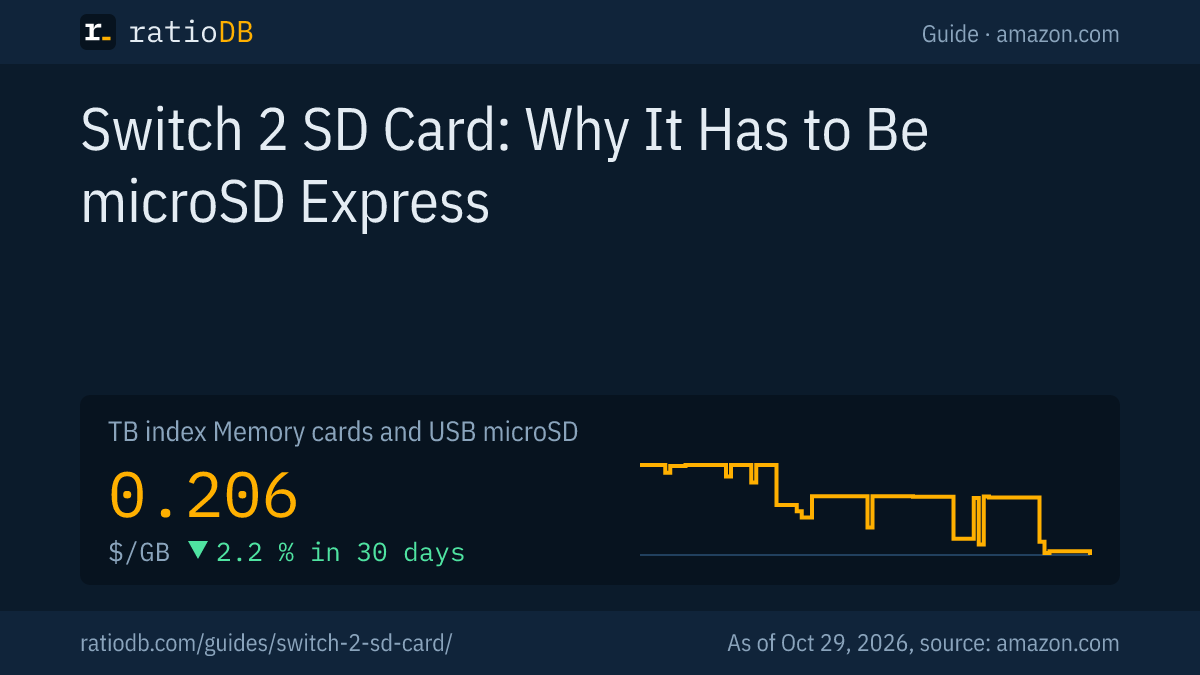
On amazon.com, the cheapest new microSD Express card right now is Samsung P9 Express 512 GB at $99.00, which works out to $0.193 per GB (512 GB). The GB index for all microSD cards is $0.206 per GB (as of Oct 29, 2026 at 11:17 AM UTC).
New microSD Express cards on amazon.com, sorted by price per GB, as of Oct 29, 2026 at 11:17 AM UTC
| microSD Express card | Capacity | Price | Price per GB |
|---|---|---|---|
| Samsung P9 Express 512 GB | 512 GB | $99.00 | $0.193 |
| SanDisk Express 512 GB | 512 GB | $129.95 | $0.254 |
The selection of microSD Express cards is still small. ratioDB spots Express cards by the word Express in the listing title and adds new models with the next price check.
For comparison, here are regular microSD cards from well-known brands. They work in the original Switch, the Steam Deck and cameras, while the Switch 2 needs an Express card for games:
| Capacity | Cheapest standard microSD card | Price | Price per GB |
|---|---|---|---|
| 256 GB | SanDisk Extreme UHS 256 GB | $61.38 | $0.240 |
All cards are under microSD card prices per GB, individual sizes under 256GB microSD card and 512GB microSD card.
What size Switch 2 SD card should I get?
That depends on how many games you download. If you mostly buy physical game cards, the 256GB of built-in storage lasts longer. If you buy a lot in the Nintendo eShop, plan for 512GB or more. Nintendo supports up to 2TB.
Each game's size is listed on its page in the Nintendo eShop. Check the free space the console shows under its data settings and leave room for updates and add-on content. Since Nintendo recommends staying with one card, going one size up usually beats adding a second card later. With microSD cards, the price per GB often drops as capacity goes up, so check the Express table above.
A rough guide:
| How you play | Recommendation |
|---|---|
| Mostly physical game cards | start without a card, add one later |
| Occasional eShop downloads | 256GB microSD Express |
| Many downloads and add-ons | 512GB microSD Express |
| Large digital library | 1TB or more, up to 2TB supported |
How do I spot a genuine microSD Express card?
Look for "microSD Express" printed on the card and the packaging and for the SD Association's Express logo. The listing title should include the word Express. If it only says UHS-I, U3, V30 or A2, it is a regular microSD card that will not store games on the Switch 2.
What to check when buying:
- Express in the name: manufacturers call these cards "microSD Express". A card that only says "microSDXC" and "UHS-I" is not an Express card.
- Which Switch: "for Nintendo Switch" without the 2 usually means the original console. Licensed cards for the new console carry "Nintendo Switch 2" in the name.
- Up to 2TB: Nintendo does not list larger cards as supported.
- Check the seller: buy from known sellers. How to check a card's real capacity after buying is explained in the guide microSD card.
Does a microSD Express card work in the original Switch?
Yes. According to Nintendo, microSD Express cards also work in the original Nintendo Switch. There, they read and write only as fast as a regular microSD card. The original Switch still accepts regular microSD cards as well.
That makes an Express card a good choice if you are moving from the original Switch to the Switch 2 or using both. The SD Association describes the backward compatibility this way: SD Express cards keep the familiar UHS-I interface in their first row of pins, so they also work in older devices, at the older, slower speed. Whether another device, such as a camera, accepts an Express card is in its manual.
How do I set up a microSD Express card in the Switch 2?
Insert the card into the card slot and connect the Switch 2 to the internet. According to Nintendo, the console needs a system update over the internet the first time you use a microSD Express card. After that, it saves downloaded software to the card automatically.
- Insert the card: the microSD Express card goes into the Switch 2's card slot.
- Connect to the internet: with the first Express card, the Switch 2 downloads a system update that Nintendo says is required.
- Check the default location: new downloads now go to the card. Save data stays in system memory.
- Move software: according to Nintendo, you can move downloaded software as well as screenshots and videos between system memory and the card.
If a device does not detect a memory card at all, see the guide SD card not showing up. How to format a card on a PC is covered in format an SD card.
How do other consoles handle extra storage?
Each console does it differently. The PS5 takes an additional internal M.2 SSD, the Xbox Series X and S use their own expansion cards, and the Steam Deck uses a regular UHS-I microSD card. The Switch 2 is the only one of these consoles that relies on microSD Express.
Valve's Steam Deck support page says any UHS-I microSD card of class 3 or better is supported. So a regular card is fine for the Steam Deck, while the Switch 2 needs the faster Express card. How to expand storage on the other consoles is explained in the guides PS5 SSD, Xbox storage and Steam Deck SSD.
How does ratioDB compare memory cards?
ratioDB checks amazon.com prices for all listed memory cards regularly and converts them to price per GB. The GB index for microSD cards is the median of the 10 cheapest new offers. We identify microSD Express cards by the word Express in the listing title.
The tables in this guide only show new single cards, no multipacks. Used offers are labeled and never count toward the index. ratioDB does not test memory cards or measure speeds. All rules are on the methodology page, and all memory cards are under memory card prices per GB.
The two boxes show the cheapest microSD cards and the current 90-day lows across all microSD cards. They include regular cards without Express, so for games on the Switch 2, look for the word Express in the name.
Frequently asked questions about the Switch 2 SD card
What SD card fits the Switch 2?
Only a microSD Express card. According to Nintendo, the Switch 2's card slot is compatible with microSD Express cards only, up to 2TB. Regular UHS-I microSD cards cannot store games on it.
Can I use my old Switch memory card in the Switch 2?
Only to transfer screenshots and videos. According to Nintendo, you can import pictures and videos from an original Switch microSD card into the Switch 2's system memory. Games and updates cannot be stored on a regular microSD card.
How much storage does the Switch 2 have?
256GB built in, UFS storage according to Nintendo. Part of it is reserved for the system. A microSD Express card adds up to 2TB.
Is save data stored on the memory card?
No. According to Nintendo, save data stays in the Switch 2's system memory and cannot be copied to a microSD Express card. The card holds downloaded games, updates, add-on content, screenshots and videos.
Does it have to be a Nintendo-licensed card?
No. According to Nintendo, any card up to 2TB that meets the microSD Express standard works. Licensed cards are available from SanDisk and Samsung, but they are optional.
How fast is microSD Express?
According to the SD Association, up to 985MB/s with PCI Express 3.0, and since version 9.1 from 2023 up to 1,969MB/s with PCI Express 4.0. A regular UHS-I microSD card reaches at most 104MB/s.
Does microSD Express work in the original Switch?
Yes. According to Nintendo, a microSD Express card also works in the original Switch, but only at the speed of a regular microSD card.
Sources
- Nintendo: Nintendo Switch 2 tech specs, microSD and microSD Express compatibility with Switch 2 and Switch, microSD Express card FAQ
- SD Association: Bus speeds from Default Speed to SD Express, Press release SD 9.1, microSD Express doubles speeds, 2023 (PDF), White paper SD Express with PCIe and NVMe (PDF)
- Valve: Steam Deck basic use and troubleshooting, microSD section
- ratioDB: amazon.com prices, methodology