How Much VRAM Do I Need? Video Memory Explained
VRAM (video RAM) is the memory on the graphics card. It holds textures, frame buffers and other data the graphics chip needs fast. Current graphics cards use GDDR6 or GDDR7, for example the NVIDIA GeForce RTX 5070 with 12 GB of GDDR7. The PC's system memory (RAM) is a separate pool for the processor and programs.
This guide explains what VRAM is, how much video memory games ask for in their system requirements, how to check usage in Windows and what happens when VRAM runs short. The information comes from Microsoft, JEDEC (the standards body for memory chips), Intel, NVIDIA, PCI-SIG and the system requirements of a current game. ratioDB does not list graphics cards. We compare prices for memory, SSDs and hard drives. Live amazon.com prices for DDR5 RAM are further down (as of Oct 29, 2026 at 3:17 PM UTC).
What is VRAM?
VRAM is the memory that belongs to the graphics card. Microsoft describes it as the memory that sits on your graphics card and is reserved exclusively for the GPU. In Windows Task Manager it shows up as "Dedicated GPU memory".
The graphics chip (GPU) needs large amounts of data for every frame: textures, models, shadows and the finished images themselves. So it does not have to take the slower route to the PC's system memory, a dedicated graphics card has its own very fast memory. How much VRAM a card has is on its spec sheet, for example 8, 12 or 16 GB.
Integrated graphics in the processor has no memory chips of its own. It uses system memory, and according to Microsoft some models reserve part of it for graphics. More on that below.
What is the difference between VRAM and RAM?
VRAM sits on the graphics card and serves the GPU, while system RAM sits in modules on the motherboard and serves the processor and programs. Graphics cards use GDDR6 or GDDR7, the memory in current PCs is DDR5 or DDR4.
| Feature | VRAM | System memory (RAM) |
|---|---|---|
| Location | on the graphics card | modules on the motherboard |
| Main user | graphics chip (GPU) | processor (CPU) and programs |
| Memory type today | GDDR6, GDDR7 | DDR5, DDR4 |
| Shown in Task Manager as | Dedicated GPU memory | Memory |
| With integrated graphics | no memory chips of its own | part is used as graphics memory |
Games need both. Indiana Jones and the Great Circle, for example, lists 8 GB of VRAM and 16 GB of system memory as the minimum. How much system memory you need is covered in the guide How much RAM do I need?.
What types of VRAM are there?
Gaming graphics cards today mainly use GDDR6 and GDDR7. JEDEC published the GDDR7 standard (JESD239) on March 5, 2024. According to JEDEC, GDDR7 delivers up to 192 GB/s per memory chip, double GDDR6.
GDDR stands for Graphics Double Data Rate. According to JEDEC, GDDR7 uses PAM3, a method with 3 voltage levels that improves signal quality at high frequencies. JEDEC lists graphics, gaming, compute, networking and AI as uses. NVIDIA uses GDDR7 in the GeForce RTX 5070, for example, which has 12 GB of GDDR7 according to NVIDIA.
Worth knowing for comparisons: a graphics card has several memory chips, and the card's bandwidth depends on the number of chips and their speed. The total bandwidth is on the card's spec sheet.
How much VRAM do you need for 1080p and 1440p?
Each game sets its own numbers. On Steam, Indiana Jones and the Great Circle lists cards with 8 GB for 1080p at low settings and 60 frames per second, and cards with 12 GB for 1440p at high settings. For 4K, check your game's requirements.
The system requirements of Indiana Jones and the Great Circle on Steam:
| Tier | Resolution and target | Graphics card per Steam | VRAM | System memory |
|---|---|---|---|---|
| Minimum | 1080p, low preset, 60 frames per second | GeForce RTX 2060 SUPER, Radeon RX 6600 | 8 GB | 16 GB |
| Recommended | 1440p, high preset, 60 frames per second | GeForce RTX 3080 Ti, Radeon RX 7700 XT | 12 GB | 32 GB |
According to the Steam page, both tiers also require an SSD and hardware ray tracing. These numbers apply to this game. Other games list their own figures, some also with separate tiers for 4K. When you pick a graphics card, compare the requirements of the games you want to play and leave some headroom for upcoming titles.
How do you check how much VRAM is in use?
In Windows, open Task Manager, choose "Performance" and then your GPU. Below the graphs you will find "Dedicated GPU memory" (your VRAM) and "Shared GPU memory". According to Microsoft, this view needs a graphics driver with WDDM 2.0 or later.
Here is how:
- Open Task Manager with Ctrl, Shift and Esc.
- Choose "Performance".
- Click the graphics card (GPU) on the left.
- Read the dedicated and shared GPU memory values below the graphs.
According to Microsoft, the Performance view shows usage across all programs combined. To see how much video memory a single program uses, go to "Details", right-click the column headers, choose "Select columns" and add the GPU memory columns. Start your game, play for a while, then check how close usage gets to the total.
What happens when VRAM is full?
The graphics card then has to fall back on shared GPU memory, which is regular system memory. According to Microsoft, the GPU can use up to about half of it. The route over PCI Express is slower than the card's own VRAM: PCIe 5.0 with 16 lanes reaches up to 128 GB/s, a single GDDR7 chip up to 192 GB/s.
Microsoft describes shared memory as normal system memory that either the GPU or the CPU can use. The data then travels over the link between the graphics card and the motherboard. According to PCI-SIG, PCI Express 5.0 with 16 lanes reaches up to 128 GB/s, the total of both directions. According to JEDEC, a single GDDR7 chip reaches up to 192 GB/s, and a graphics card has several of them. The card's own VRAM is connected much faster.
Games handle tight VRAM differently. That is why publishers list graphics cards with a specific amount of VRAM in their system requirements. If Task Manager shows your usage at the limit all the time, lower texture settings or a lower resolution help.
How does shared graphics memory work with integrated graphics?
Integrated graphics uses system memory as graphics memory. According to Intel, it is allocated dynamically and, on most Intel processors, limited by the operating system to half of system memory. More RAM raises the possible graphics memory, according to Intel from 5th generation Core processors onward.
Intel writes that its driver reports 128 MB of "dedicated" video memory for compatibility, even though the graphics uses system memory. You cannot set how much a single program gets, the allocation adapts. According to Intel, the actual limit can be lower depending on the device maker, BIOS and settings.
For integrated graphics, system memory counts twice: its amount and its speed. Why 2 modules are faster than 1 is explained in the guide Dual channel.
How much memory do local AI models need?
It depends on the size of the model. The Ollama project gives a guideline of at least 8 GB of RAM for models with 7 billion parameters (7B), 16 GB for 13B and 32 GB for 33B. Larger models need more memory accordingly.
Ollama is a program for running language models on your own computer. Ollama's figures refer to available system memory. The numbers show that memory needs grow with model size. Check the requirements of your model and software before you buy a graphics card or memory.
Can more RAM make up for missing VRAM?
With a dedicated graphics card, only as a stopgap: shared memory is system memory and connected more slowly over PCI Express. With integrated graphics, on the other hand, more system memory raises the possible graphics memory, according to Intel.
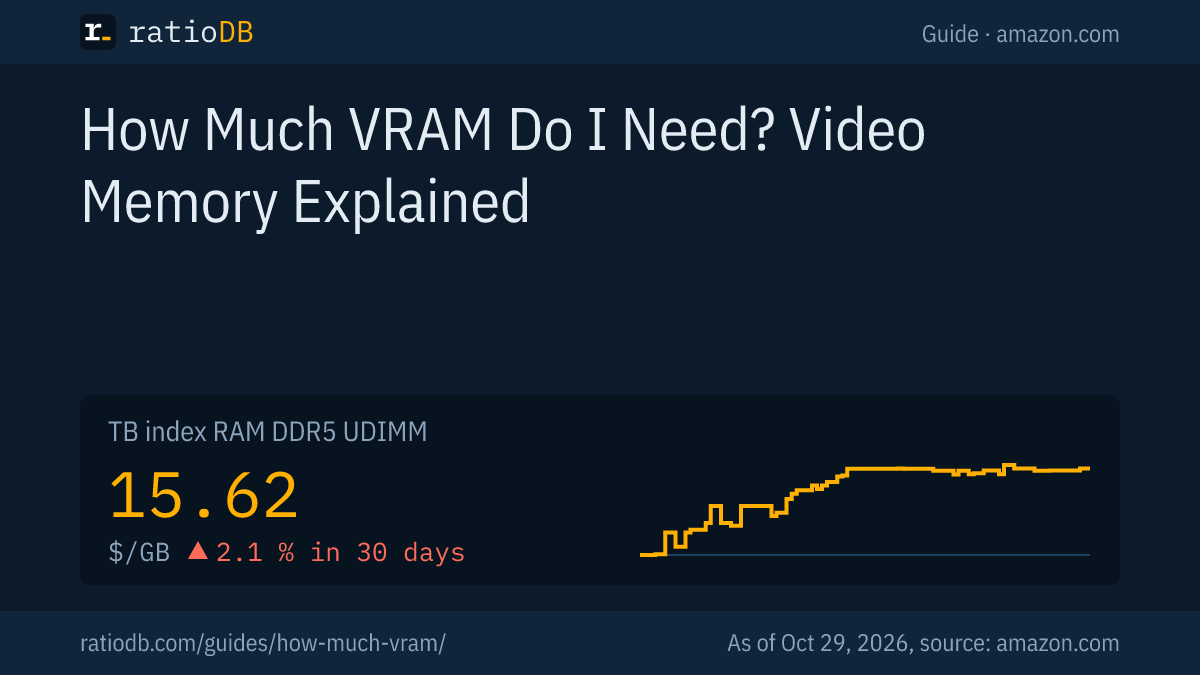
If you use integrated graphics or run local AI models in system memory, more RAM helps. Keep an eye on the price trend: the TB index for DDR5 desktop RAM is at $15.62 per GB, with a change of +2.1% in 30 days and +10.8% in 90 days.
The cheapest DDR5 kits with 2 modules on amazon.com (as of Oct 29, 2026 at 3:17 PM UTC):
| Capacity | Cheapest kit | Modules | Speed and CL | Price | Price per GB |
|---|---|---|---|---|---|
| 16 GB | Patriot Viper Venom 2 × 8 GB | 2 × 8 GB | 6,000 MT/s CL36 | $249.99 | $15.62 |
| 32 GB | Crucial Pro 2 × 16 GB | 2 × 16 GB | 6,000 MT/s CL36 | $459.99 | $14.37 |
| 64 GB | Crucial Pro 2 × 32 GB | 2 × 32 GB | 6,400 MT/s CL40 | $999.99 | $15.62 |
A 32GB kit currently costs at least $459.99 (Crucial Pro 2 × 16 GB). 64GB costs $999.99 (Crucial Pro 2 × 32 GB). How prices are developing is explained in the guide Why RAM prices are so high, the difference between generations in the guide DDR5 vs DDR4. All kits are under 32GB DDR5 RAM and DDR5 laptop RAM.
How does ratioDB compare memory?
ratioDB regularly pulls amazon.com prices for memory and converts them to price per GB. Kits count with their total capacity. The TB index is the median of the 10 cheapest new offers in a product type. ratioDB does not list graphics cards.
Speed and CL in the tables come from the listing title. The tables show only new offers from known manufacturers. Used and refurbished offers are labeled and never count toward the index. All rules are on the methodology page, all memory under RAM prices per GB. How to build a new PC with SSD and RAM is shown in the guide How to build a PC, how the processor can address all of the VRAM at once in the guide Resizable BAR.
Frequently asked questions about VRAM
What does VRAM mean?
VRAM stands for video RAM, the memory on the graphics card. In Windows Task Manager it is called "Dedicated GPU memory".
How much VRAM do I need for gaming?
Each game sets its own numbers. On Steam, Indiana Jones and the Great Circle lists 8 GB for 1080p at low settings and 12 GB for 1440p at high settings, both at 60 frames per second.
Is 8 GB of VRAM still enough?
For the minimum of Indiana Jones and the Great Circle, yes: the game lists cards with 8 GB for 1080p at low settings. For higher resolution and settings, the same game asks for 12 GB.
How do I check how much VRAM I have?
In Task Manager under "Performance" for your GPU. It shows the dedicated GPU memory, your VRAM, and how much of it is in use.
What is shared GPU memory?
According to Microsoft, it is normal system memory that either the GPU or the CPU can use. The GPU can use up to about half of it. It is connected more slowly over PCI Express than the VRAM on the card.
Can I upgrade VRAM?
The VRAM of a graphics card is set by the manufacturer and listed on the card's spec sheet. You get more VRAM with a different graphics card. With integrated graphics, more system memory raises the possible graphics memory, according to Intel.
What is the difference between GDDR6 and GDDR7?
GDDR7 is the successor to GDDR6. According to JEDEC, a GDDR7 chip reaches up to 192 GB/s, double GDDR6, and uses PAM3 signaling.
Sources
- Microsoft: GPUs in the Task Manager, dedicated and shared memory
- JEDEC: JEDEC publishes GDDR7 graphics memory standard
- NVIDIA: GeForce RTX 5070
- Intel: FAQ for Intel graphics memory
- PCI-SIG: PCI Express 5.0 specification with 32 GT/s
- Steam: Indiana Jones and the Great Circle, system requirements
- Ollama: README with memory guidelines
- ratioDB: amazon.com prices, methodology