NVMe RAID: RAID 0 and RAID 1 With M.2 SSDs in a PC
An NVMe RAID combines 2 or more M.2 NVMe SSDs into one drive. RAID 0 spreads data across all SSDs and mainly speeds up large files, RAID 1 mirrors it and protects against one SSD failing. In a PC you set it up with AMD RAIDXpert2, Intel Rapid Storage Technology, Windows Storage Spaces or mdadm on Linux.
This guide covers which RAID types exist for NVMe SSDs in a PC, which tools set them up, what RAID 0 gained in tests and what it didn't, what to check about M.2 slots, and whether 2 small SSDs cost less than 1 large one. The facts come from AMD, Intel, Microsoft, the Linux md driver documentation and tests by Hardware Secrets and PC Perspective. ratioDB doesn't test SSDs itself, we compare prices and spec sheets. Live amazon.com prices are further down (as of Oct 30, 2026 at 11:17 AM UTC).
What is an NVMe RAID?
An NVMe RAID is a group of NVMe SSDs that the system sees as 1 drive. RAID stands for Redundant Array of Independent Disks. In a PC, RAID 0 for speed and RAID 1 for safety are the most common levels.
The 2 levels compared, based on the Linux md driver documentation and Microsoft:
| Feature | RAID 0 (striping) | RAID 1 (mirroring) |
|---|---|---|
| How data is stored | in chunks, alternating across all SSDs | the exact same data on every SSD |
| Minimum | 2 SSDs | 2 SSDs |
| Usable capacity | all SSDs combined | as much as the smallest SSD |
| If 1 SSD fails | no protection, the array's data is lost | the other SSD has all the data |
| Reads | from all SSDs at once | from any SSD |
| Windows Storage Spaces equivalent | simple | two-way mirror |
In RAID 0, according to the md documentation, the 1st chunk goes to the 1st SSD, the next to the 2nd SSD and so on. In RAID 1 the system writes every change to all SSDs in parallel. RAID 5, RAID 10 and the other protected levels are covered in RAID levels explained. This guide is only about NVMe SSDs inside a PC, for network storage see NAS SSD.
How do I set up an NVMe RAID?
On AMD motherboards with the AMD RAID driver and RAIDXpert2, on Intel motherboards with Intel Rapid Storage Technology and VMD, on Windows without any motherboard feature using Storage Spaces, and on Linux with mdadm. To run Windows on an Intel RAID, Intel says to change the BIOS before installing.
The 4 options at a glance:
| Option | RAID levels per vendor | Requirements |
|---|---|---|
| AMD RAIDXpert2 | 0, 1, 5, 10 for NVMe and SATA | AMD chipset on the list, NVMe RAID Mode enabled |
| Intel RST | 0, 1, 5, 10 | Intel 12th to 15th Gen (driver 20.4), VMD enabled in BIOS, UEFI |
| Windows Storage Spaces | simple, two-way mirror, three-way mirror, parity | 2 drives in addition to the Windows drive |
| Linux mdadm | 0, 1, 4, 5, 6, 10 and more | Linux with the md driver |
AMD: According to the release notes for AMD RAID driver 9.3.3.00291, the AMD RAID driver and RAIDXpert2 support levels 0, 1, 5 and 10 for NVMe and SATA. The list names the A620, B650, B650E, B840, B850, X670, X670E, X870, X870E, TRX50 and WRX90 chipsets. AMD says NVMe RAID is only available with NVMe RAID Mode enabled, otherwise only SATA RAID. AMD points to the RAIDXpert2 user guide for setting the modes.
Intel: Intel Rapid Storage Technology driver 20.4.0.1006.1, dated 10/9/2026, supports 12th to 15th Gen platforms on Windows 11 and RAID levels 0, 1, 5 and 10, according to Intel. Intel says to enable the VMD controller (Volume Management Device) in the BIOS, set boot to UEFI, and during Windows setup click "Load driver" and pick the file iaStorVD.sys. Intel warns not to make these BIOS changes after installing the OS, or you risk an Inaccessible Boot Device blue screen. Intel says VMD with Intel RST works only on Windows 10 and 11, Linux isn't supported.
Windows Storage Spaces: This lets Windows pool drives without any motherboard feature. Microsoft says you need at least 2 drives in addition to the one Windows is installed on. Simple spaces don't protect against a drive failure, a two-way mirror needs at least 2 drives and survives 1 drive failing. To open it, type "Storage Spaces" in the taskbar search.
Linux: The md driver supports RAID 0, 1, 4, 5, 6 and 10 plus LINEAR mode, according to its documentation. Arrays are managed with the mdadm tool.
Does NVMe RAID 0 make things faster?
For large files yes, for small random access hardly. Hardware Secrets measured a typical gain of about 80% with 2 SSDs in RAID 0 in 2014, but no gain at 4 KiB random. PC Perspective notes that most real-world I/O is random reads at low queue depths.
What the 2 tests found:
- Hardware Secrets (2014): RAID 0 with 2 SSDs was typically about 80% faster than 1 SSD in sequential tests and large 512 KiB random blocks, and up to 324% in some tests. At 4 KiB random, bandwidth did not improve.
- PC Perspective (2018): Testing NVMe RAID 0 on the AMD X470 chipset, the platform added about 10 microseconds of latency and the RAIDXpert driver another 20 or so. Random read IOPS (input/output operations per second) came in about 40% below the same configuration on an Intel platform. In sequential tests, AMD came out well ahead.
Both tests are several years old and used SSDs of their time, so results with current SSDs may differ. To see whether your SSDs are faster as an array, run CrystalDiskMark as shown in SSD speed test. A newer generation also adds speed per SSD, see PCIe 5.0 SSD.
What should I check about M.2 slots?
How each slot is connected. Some M.2 slots connect directly to the CPU, others to the chipset. PC Perspective found Intel NVMe RAID bottlenecked by the DMI link to the chipset, while on AMD all NVMe SSDs connected directly to the CPU. Your motherboard manual lists each slot's connection.
Check the manual for each M.2 slot's PCIe generation, whether it hangs off the CPU or the chipset, and whether it shares lanes with other ports. An SSD in a slower slot can hold back the whole array. How slots, lanes and the graphics card fit together is covered in PCIe lanes.
For a RAID, ideally use 2 identical SSDs, same model and same capacity. The md documentation says all devices in a RAID 1 should be the same size, otherwise only the space of the smallest is used. How NVMe and SATA differ is explained in NVMe vs SATA.
How risky is RAID 0?
In RAID 0 every larger file is spread across all SSDs. If 1 SSD fails, the data on the whole array is lost. With 2 SSDs your array depends on 2 drives instead of 1. Microsoft says simple spaces don't protect against a drive failure.
For games you can download again any time, that's acceptable. For photos, projects or documents you need a backup on a separate drive. RAID 1 doesn't replace a backup either: it protects against one SSD failing, but not against accidental deletion, malware or a stolen PC, since every change lands on both SSDs right away. How to back up properly is covered in 3-2-1 backup rule.
Are 2 small SSDs cheaper than 1 large one?
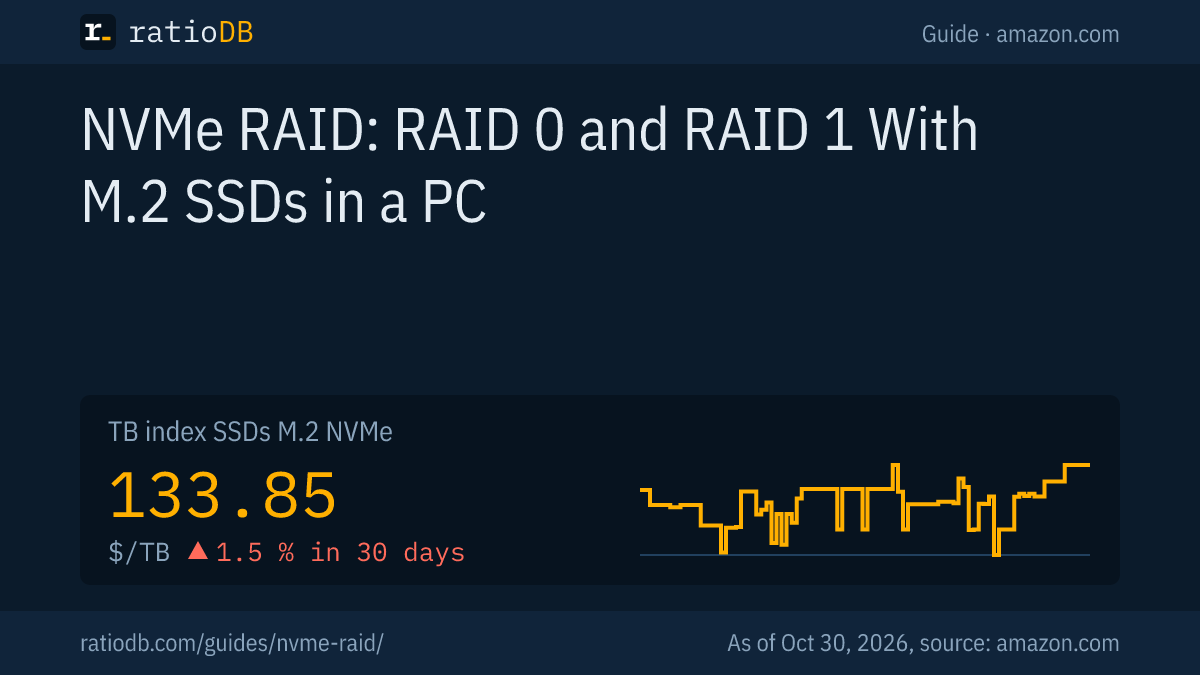
At 2 TB, not right now: 2 SSDs with 1 TB cost $293.98 together on amazon.com, 1 SSD with 2 TB just $249.99. The answer depends on capacity and changes with prices. The TB index for M.2 NVMe SSDs is $133.85 per TB (as of Oct 30, 2026 at 11:17 AM UTC).
2 identical NVMe SSDs vs 1 SSD with double the capacity, cheapest new single unit of known brands on amazon.com, as of Oct 30, 2026 at 11:17 AM UTC
| Total capacity | 2 SSDs at half capacity | 1 SSD at full capacity | Result |
|---|---|---|---|
| 2 TB | 2 × Adata Legend 710 1 TB: $293.98 | 1 × Crucial E100 2 TB: $249.99 | 1 SSD 15.0% cheaper |
| 4 TB | 2 × Crucial E100 2 TB: $499.98 | 1 × Crucial P3 Plus 4 TB: $669.77 | 2 SSDs 25.4% cheaper |
| 8 TB | 2 × Crucial P3 Plus 4 TB: $1,339.54 | 1 × WD Black SN850X 8 TB: $1,944.99 | 2 SSDs 31.1% cheaper |
The table compares the cheapest single units per capacity, which may be different models. A RAID needs 2 identical SSDs, so also check the prices of the same model in both sizes. Also keep in mind: 2 SSDs take 2 M.2 slots, 1 large SSD leaves a slot free for later.
See all offers under M.2 NVMe SSD and all internal SSDs under internal SSD.
How does ratioDB compare NVMe SSDs?
ratioDB pulls amazon.com prices for all listed SSDs regularly and converts them to price per TB, with 1 TB equal to 1,000,000,000,000 bytes. The TB index is the median of the 10 cheapest new offers in a form factor.
The table in this guide only shows new single units of known brands. Used and renewed offers are labeled and never count toward the index. ratioDB doesn't test SSDs or RAID arrays itself. All rules are on the methodology page, all SSDs under SSD prices per TB.
NVMe RAID FAQ
Is NVMe RAID 0 worth it for gaming?
For shorter load times it does little. Hardware Secrets measured no gain at 4 KiB random, and PC Perspective notes that most real-world I/O is random reads. A faster single SSD is usually the simpler choice.
Can I install Windows on an NVMe RAID?
Yes, with AMD RAIDXpert2 or Intel RST. On Intel, Intel says to enable VMD in the BIOS before installing and load the file iaStorVD.sys during setup. On AMD, AMD says NVMe RAID Mode must be enabled, the RAIDXpert2 user guide covers the setup.
Do I need identical SSDs for a RAID?
Ideally yes. The md documentation says devices in a RAID 1 should be the same size, otherwise only the space of the smallest is used. 2 identical models also give the array matching speeds.
What happens in RAID 1 if one SSD fails?
All data is still on the other SSD, since according to the md documentation every SSD in a RAID 1 holds the same data. Microsoft says a two-way mirror also survives 1 drive failing. You replace the failed SSD and rebuild the mirror.
Is RAID a backup?
No. RAID 1 protects against an SSD failing, but not against deletion, malware or theft. A backup belongs on a separate drive, ideally with another copy offsite.
Can I build a RAID with Windows Storage Spaces instead of the BIOS?
Yes, for data drives. Microsoft says you need at least 2 drives in addition to the Windows drive. Simple spaces offer no protection, a two-way mirror survives 1 drive failing.
Sources
- AMD: AMD RAID driver and RAIDXpert2 9.3.3.00291 release notes
- Intel: Intel RST 20.4.0.1006.1 for 12th to 15th Gen platforms
- Intel: Setting up VMD platforms for RAID with Intel RST
- Microsoft: Storage Spaces in Windows
- Linux man-pages: md, the Linux RAID driver
- Hardware Secrets: Some thoughts on the performance of SSD RAID 0 arrays, 2014
- PC Perspective: A quick look at AMD Ryzen X470 NVMe storage performance, 2018
- ratioDB: amazon.com prices, methodology